
iOS 26 brings the biggest visual change to the iPhone since 2013. Apple calls it "Liquid Glass," a design language that makes everything on your screen feel like it's made of translucent, light-refracting material . But the update is more than just a fresh coat of paint. There are meaningful improvements to the Phone app, Messages, the Camera, and how your iPhone handles languages you don't speak.
This guide walks through every major feature in iOS 26, explains what each one does, and tells you whether your iPhone can run it.
The Liquid Glass Redesign
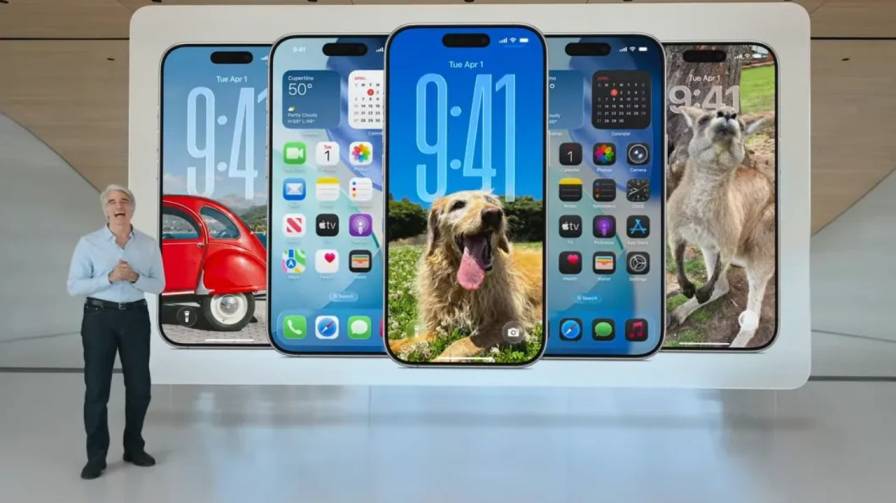
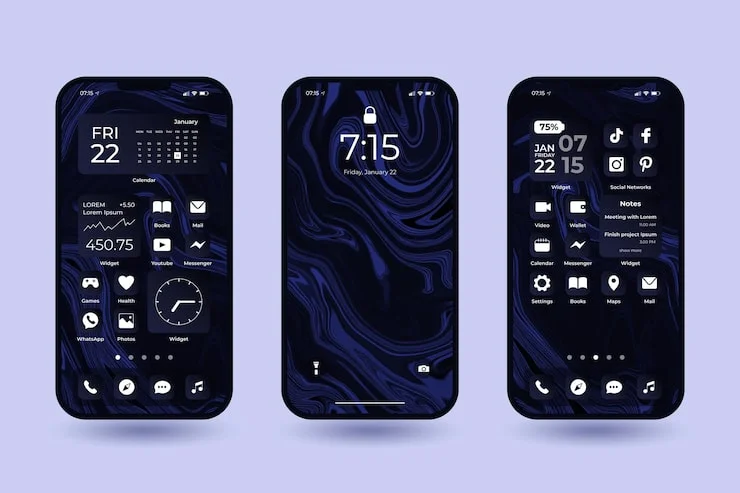
The first thing you will notice after updating is that your Home Screen and Lock Screen look different. Apple rebuilt the entire visual system around a material called Liquid Glass. It behaves like real glass in the physical world—it reflects the colors around it, refracts light, and changes how it looks depending on what's behind it .
The practical effect is that buttons, sliders, tab bars, and app icons now have a sense of depth that previous versions of iOS lacked. When you scroll through an app, the tab bar at the bottom shrinks to give more room to content, then expands when you scroll back up . Controls sit on their own layer above your content rather than being baked into it.
App icons received new customization options. You can choose light or dark appearances, apply color tints, or make icons completely transparent so your wallpaper shows through . The transparent look is striking, though it can make apps slightly harder to tell apart at a glance.
On the Lock Screen, the time now resizes itself to fit around the subject of your wallpaper photo. If you use a portrait photo, the clock will flow around the person's head rather than covering it . Apple calls the 3D effect for wallpapers "spatial scenes." When you tilt your iPhone, the wallpaper shifts with a subtle depth effect .
Not everyone loves the new look. Some users find the translucent text harder to read against busy backgrounds. If that describes you, iOS 26 includes accessibility settings to reduce transparency, increase contrast, and tone down the glass animations .
Read Also: Apple Sports Expands Worldwide With New Country Support
Apple Intelligence: The Features That Think
Apple Intelligence is not new, but iOS 26 expands what it can do and where it works. The most useful addition is Visual Intelligence. When you take a screenshot or view content on your screen, you can now search for what's on the screen, ask ChatGPT about it, or find similar items from apps like Google and Etsy . If the screen shows an event, your iPhone can recognize it and offer to add it to your calendar with the date, time, and location filled in .
Live Translation is another major feature. It works inside Messages, FaceTime, and the Phone app. When you receive a text in another language, Messages offers to translate it. You can set it to translate automatically for every message in a conversation, and your replies get translated back before they send .
For voice calls, the feature is more ambitious. When you activate Live Translation during a phone call, your iPhone translates what the other person says and speaks it aloud in your language. You can follow along with a written transcript if you put the call on speaker . FaceTime works similarly, showing translated captions on screen during the call .
The translation runs entirely on your iPhone rather than sending audio to a server, which Apple says keeps your conversations private . In testing, the feature worked but had noticeable lag during phone calls and struggled with filler words and fast speech . It currently supports English, French, German, Portuguese, and Spanish, with Chinese, Italian, Japanese, and Korean promised later .
Genmoji and Image Playground also received upgrades. You can now create a Genmoji by combining two existing emoji together, or by mixing an emoji with a text description . For Genmoji based on people in your Photos library, you can adjust hairstyles and facial hair . Image Playground gained additional art styles including oil painting and anime, plus an "Any Style" option that lets you describe whatever look you want .
Shortcuts became smarter. There are new actions that let you tap directly into Apple Intelligence models from within a shortcut, and you can use ChatGPT through Shortcuts if you want broader knowledge than the on-device model provides .
Phone and Messages: Less Annoyance, More Control
The Phone app received a redesigned layout that puts Favorites, Recents, and Voicemails together in one view . But the bigger changes are about blocking unwanted calls and saving you time.
Call Screening answers calls from unknown numbers before your phone rings. It asks the caller to state their name and reason for calling, then shows you that information so you can decide whether to pick up . Screened calls go into a separate section of your call list rather than mixing with calls from people you know.
Hold Assist is for the times you call a business and get put on hold. Instead of making you listen to hold music, your iPhone waits on the line and rings you when a live person is available .
Messages got a screening feature too. Messages from unknown senders now go into a separate folder and stay silent until you decide to accept them . You can mark a sender as known, ask for more information, or delete the message.
For conversations with people you do know, you can now set custom backgrounds using your own photos or images created with Image Playground . Polls let you settle group decisions without a flood of individual messages . And group chats show typing indicators, so you can see who is about to send something .
Camera and Photos: Cleaner Interface, Smarter Organization
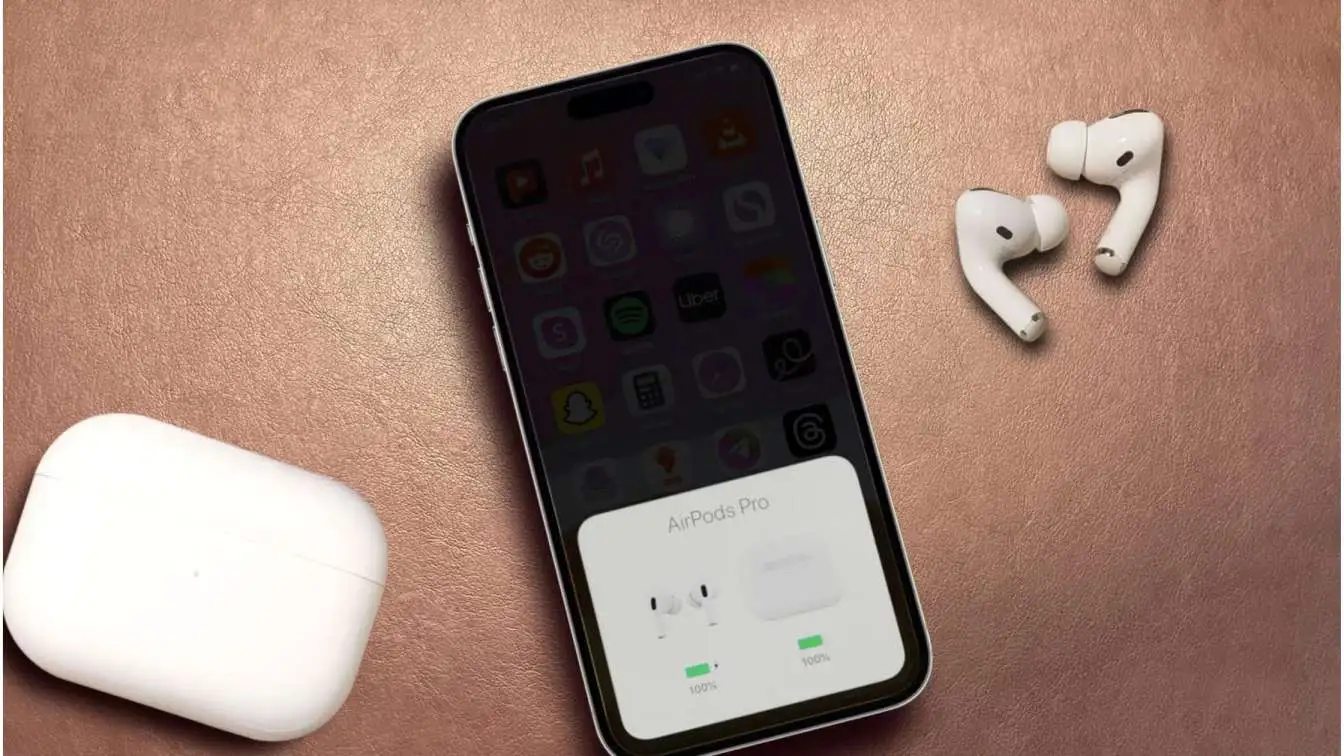
The Camera app has a simplified layout. Photo and video modes are easier to reach, and other modes like portrait or panorama are one swipe away . There's a new lens cleaning hint that appears when your camera detects a smudge on the lens, which can save you from blurry photos . If you have AirPods with an H2 chip, you can press the stem to take a photo or start recording video, acting as a remote shutter .
The Photos app now separates Library and Collections into two distinct tabs . This makes it faster to find specific photos versus browsing curated memories. You can customize the Collections view with different layouts and reorder or collapse sections . A new event recognition feature identifies concerts and sports events, showing you details and related content .
CarPlay and Other Apps
CarPlay received a compact view for incoming calls. When someone calls while you're driving, you see who it is without losing the map or directions . Messages in CarPlay now support Tapbacks and pinned conversations . Widgets and Live Activities let you see information like sports scores or delivery updates without leaving the navigation screen .
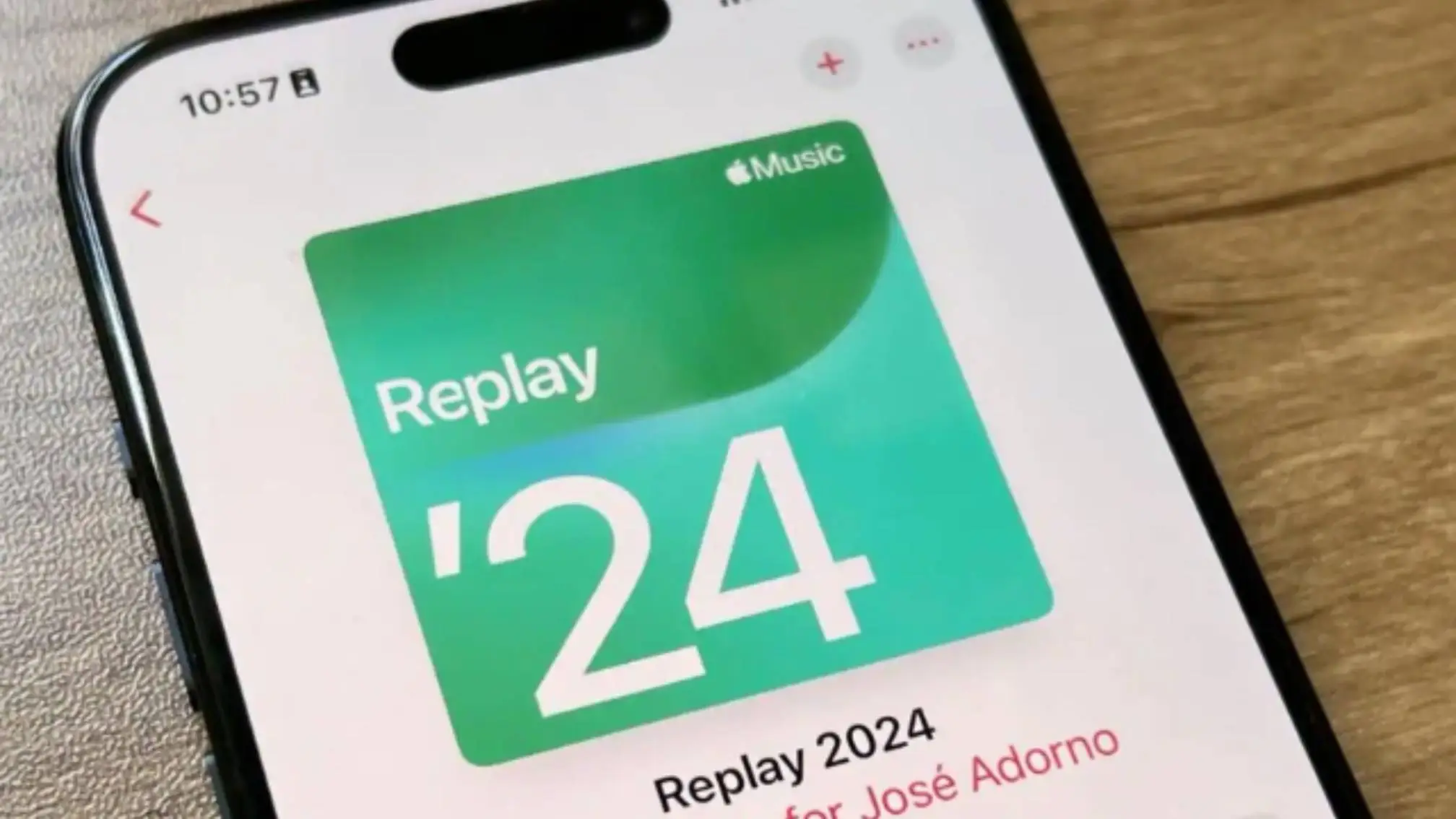
Apple Music gained animated album art. On supported albums, full-screen animations designed by the artists play during songs . Lyrics Translation helps you understand songs in other languages, and Lyrics Pronunciation lets you sing along even if you don't speak the language .
The Clock app finally lets you set a snooze duration anywhere from 1 to 15 minutes instead of the fixed 9 minutes . The Journal app supports multiple journals for different parts of your life, inline images, and a map view that shows entries by location . Accessibility improvements include a new experience designed for Braille users and expanded Vehicle Motion Cues to reduce motion sickness .
You May Also Like: Does iPhone 14 Pro Case Fit iPhone 16 Pro?
Which iPhones Can Run iOS 26?
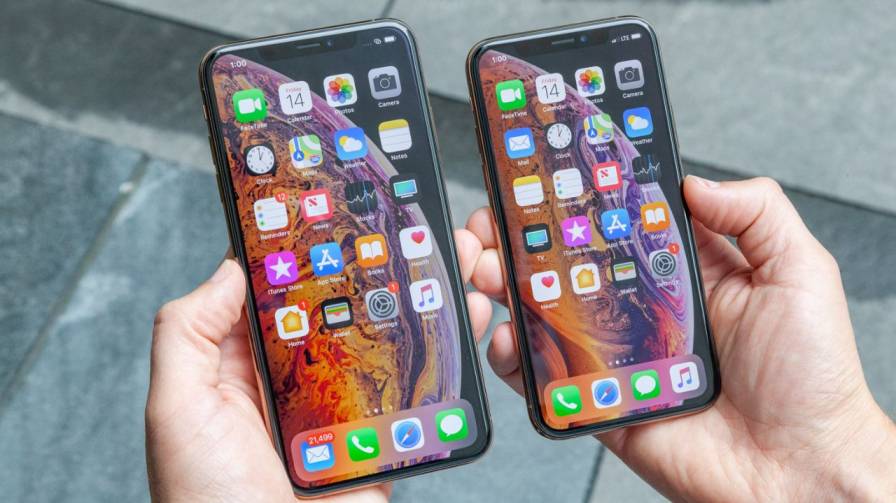
iOS 26 runs on a wide range of devices. The compatible models are: iPhone 17, iPhone 17 Pro, iPhone 17 Pro Max, iPhone 17e, iPhone Air, iPhone 16e, iPhone 16, iPhone 16 Plus, iPhone 16 Pro, iPhone 16 Pro Max, iPhone 15, iPhone 15 Plus, iPhone 15 Pro, iPhone 15 Pro Max, iPhone 14, iPhone 14 Plus, iPhone 14 Pro, iPhone 14 Pro Max, iPhone 13, iPhone 13 mini, iPhone 13 Pro, iPhone 13 Pro Max, iPhone 12, iPhone 12 mini, iPhone 12 Pro, iPhone 12 Pro Max, iPhone 11, iPhone 11 Pro, iPhone 11 Pro Max, and iPhone SE (2nd generation and later) .
One important distinction: not every feature works on every compatible iPhone. The Apple Intelligence features—Live Translation, Visual Intelligence, Genmoji, and the smarter Shortcuts—require an iPhone 15 Pro or newer . Older iPhones that can install iOS 26 will get the new design and the Phone, Messages, Camera, and Photos updates, but not the AI-powered capabilities.
Release Timeline
Apple announced iOS 26 at WWDC on June 9, 2025 . The finished version became available to the public on September 15, 2025 . Since then, Apple has released a series of smaller updates. iOS 26.0.1 fixed Wi-Fi and Bluetooth disconnection issues on iPhone 17 models, cellular connectivity problems, camera artifacts, and a VoiceOver bug . Later updates added features like Hold Assist, concert discovery in Apple Music, new emoji, and support for AirPods Max 2 .
Final Thoughts
iOS 26 is a substantial update. The Liquid Glass design is the most visible change, but the features that will matter most in daily use are Call Screening, Hold Assist, Live Translation, and the improved Messages controls. The update runs on iPhones going back to the iPhone 11, though the AI features are limited to newer models. If you have not updated yet, check your Settings app under General > Software Update to see if iOS 26 is waiting for you.