
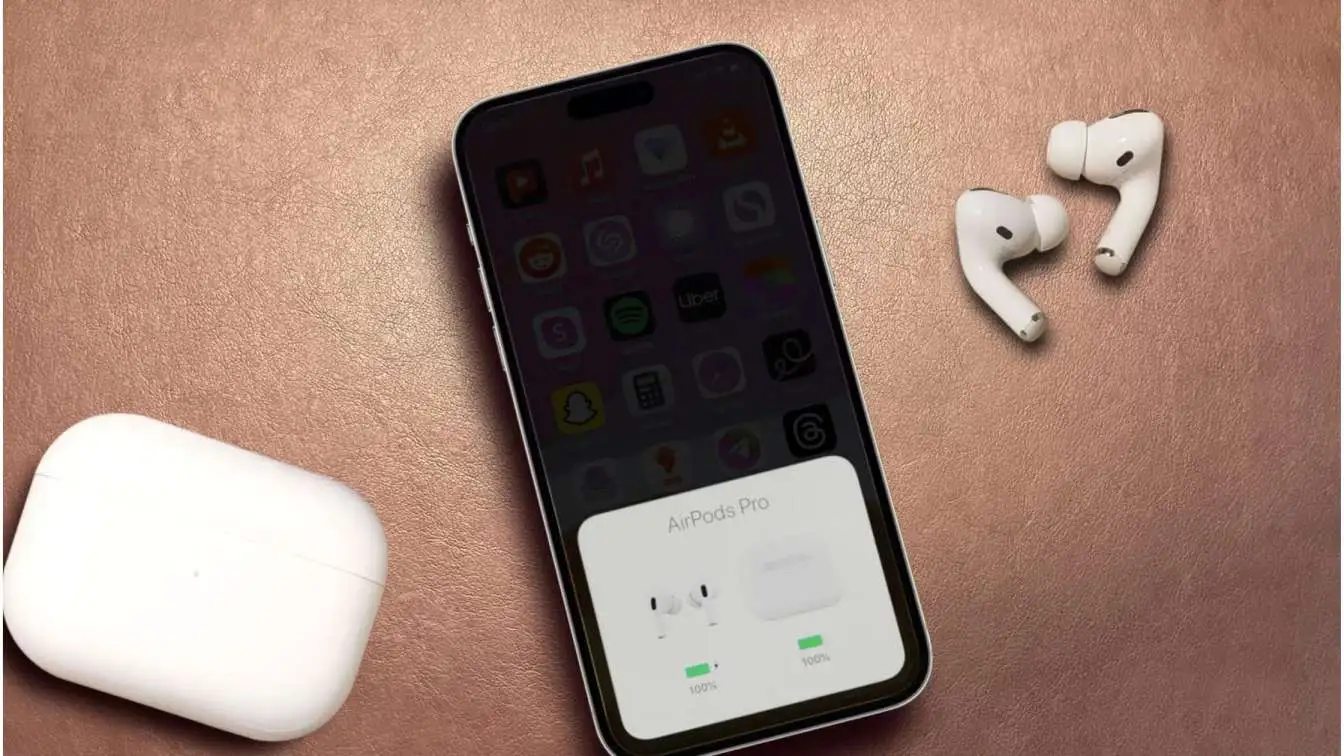
Hey, ever had your AirPods bail on you right when the beat drops or you're deep in a call? That endless disconnect-reconnect loop is the worst. It happened to me last week during a run—music cuts, heart sinks. You're not crazy; it's a common headache. We'll break down why AirPods Keep Disconnecting And Reconnecting, with fixes I've tested myself. No fluff, just stuff that works. Let's get your buds back in sync.
AirPods Keep Disconnecting and Reconnecting: Causes, Fixes, and Prevention Guide
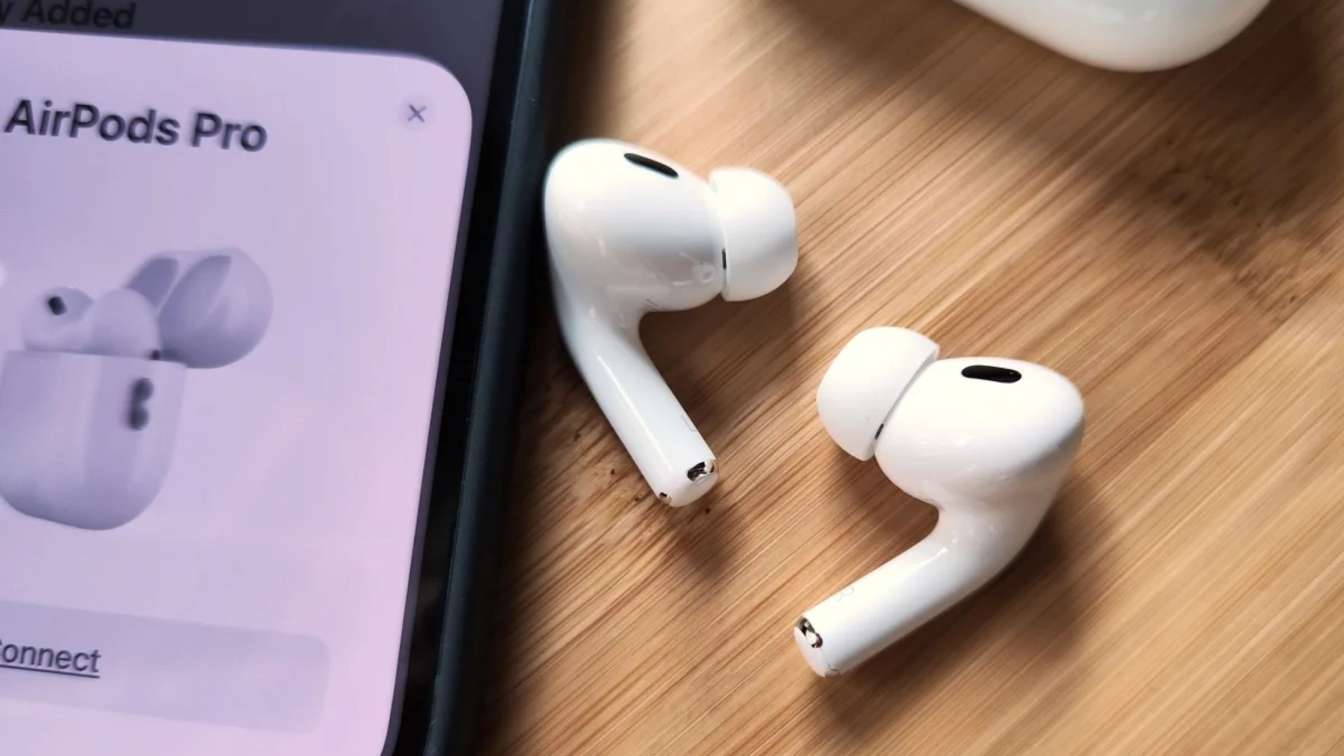
Common Interference Culprits
Interference is the top villain for AirPods dropping out. Bluetooth rides on 2.4GHz waves, same as Wi-Fi routers, microwaves, and baby monitors. Fire up the microwave for leftovers, and poof—your podcast stutters. I've lost count of times my kitchen nukes my morning tunes.
Crowded places amplify it. Gyms packed with fitness trackers and speakers create a Bluetooth traffic jam. Thick walls or metal desks block signals too, making AirPods hunt for connection and reconnect every few seconds.
Even fluorescent office lights flicker interference. Neighbors' networks overlap channels, worsening it. Test by moving to a clear spot, like outside. If it steadies, bingo—interference confirmed.
Cordless landlines are sneaky; they hop frequencies, clashing with AirPods. Swap channels on the phone base if possible. In apartments, ask about shared Wi-Fi channels—change yours to 1, 6, or 11.
Wireless mice or keyboards nearby? Pause them. During video calls, laptop Bluetooth fights your phone's. Prioritize by unpairing extras.
To dodge long-term: Position your phone higher, away from body mass that absorbs signals. Use a Bluetooth extender for big rooms, but test compatibility first.
Real story: At a coffee shop, my AirPods flaked until I stepped outside. Interference city.
Key takeaway: Hunt and eliminate signal saboteurs for smooth listening.
Read: Why Are My AirPods Not Connecting
Battery Drain Drama
- Battery woes sneak up fast. AirPods sip power, but features like ANC guzzle it. When buds hit 20% or case below 50%, connections waver—reconnects spike as they struggle to stay linked.
- Uneven batteries between left and right cause sync fails. One dies quicker, dragging the pair down. My right bud always lagged; swapping tips balanced it.
- Case issues top the list. Faulty pins or swollen batteries inside prevent full charges. Press buds in firmly—hear the click? Good. No click means dirt or wear.
- Overnight charging helps, but deep discharges damage cells. Enable optimized mode to cap at 80%, preserving health.
- Hot environments kill batteries quicker; car dashboards cook them. Store shaded.
- Signs of trouble: Case shows full but buds drain fast. Clean with microfiber—alcohol wipes for pins, dry thoroughly.
- I fixed mine by charging solo overnight. Woke to stable buds. Track health in settings; under 80%? Swap soon.
- Prevent: Charge weekly, even lightly used. Avoid full drains.
Battery Quick Check Table
| Symptom | Likely Cause | Fix |
|---|---|---|
| Disconnects under 20% | Low power mode fail | Top-up case to 100% |
| One bud dies first | Imbalance | Charge separately 30 min |
| Case won't charge buds | Dirty pins | Brush + alcohol swab |
| Fast drain in heat | Overheating | Cool spot storage |
Key takeaway: Monitor and maintain batteries to kill disconnects.
Outdated Software Blues
Nothing tanks reliability like stale software. iOS bugs or old AirPods firmware lead to Bluetooth hiccups. Updates patch these—miss one, and reconnects haunt you. I ignored a firmware nudge for weeks; tunes cut during workouts. Updated, problem gone. Firmware updates silently when charging near phone—magic.
- Beta OS? Risky; they introduce glitches. Rolled back once, stability returned.
- Path: Settings > General > Software Update. For AirPods, case nearby, charging. Takes seconds.
- Post-update, restart phone and buds. Clears caches.
- Network settings reset nukes Bluetooth history—last resort, but erases Wi-Fi passwords too. Back them up.
- Apps like VPNs clash post-update. Disable during tests.
- Real fix story: Friend's AirPods flaked after iOS 17. Reset + update = bliss.
- HomePod or Apple TV ecosystems? Sync them too.
Key takeaway: Stay updated to squash software gremlins.
Pairing and Reset Mishaps
- Bad pairing is chaos. AirPods remember devices, but glitches make them flip-flop. Multiple pairings confuse switching.
- Full reset: Case open, press back 15 seconds—amber to white flash. Forget in Bluetooth menu first.
- My go-to after travel: Reset prevents "stuck" mode.
- Auto-switch feature? Handy but glitchy in crowds. Disable in settings.
- Solo AirPod drama? Charge isolated, re-pair.
- Hinge sensors detect "removal"—loose fit fakes it. Swap tips.
Quick reset steps:
-
Buds in case, lid off.
-
Press button 15 sec.
-
Flash white: Re-pair.
Connection checklist:
-
Bluetooth enabled.
-
50%+ charge.
-
Proximity under 3 feet.
Test with new device. Persists? Deeper issue.
Key takeaway: Reset religiously to refresh pairings.
Hardware Wear and Tear
- Hardware fails creepily. Batteries swell after 300 cycles, warping internals. Connections falter.
- Water splashes corrode pins—gym sweats accelerate. Dry immediately, use silica packs.
- Cracked cases misalign charging. Inspect hinges.
- Tips degrade, loosening fit—sensors trigger disconnects.
- Drop test fail? Antennas bend inside.
- My pair survived a washer once—dried 48 hours, but reconnects started. Replaced tips fixed temp.
- DIY clean: Toothpick for crevices, compressed air.
- Swollen? Feel case bulge. Dangerous—recycle.
- Extend life: Covers, no extreme temps.
Key takeaway: Inspect hardware routinely.
Network and Device Overload
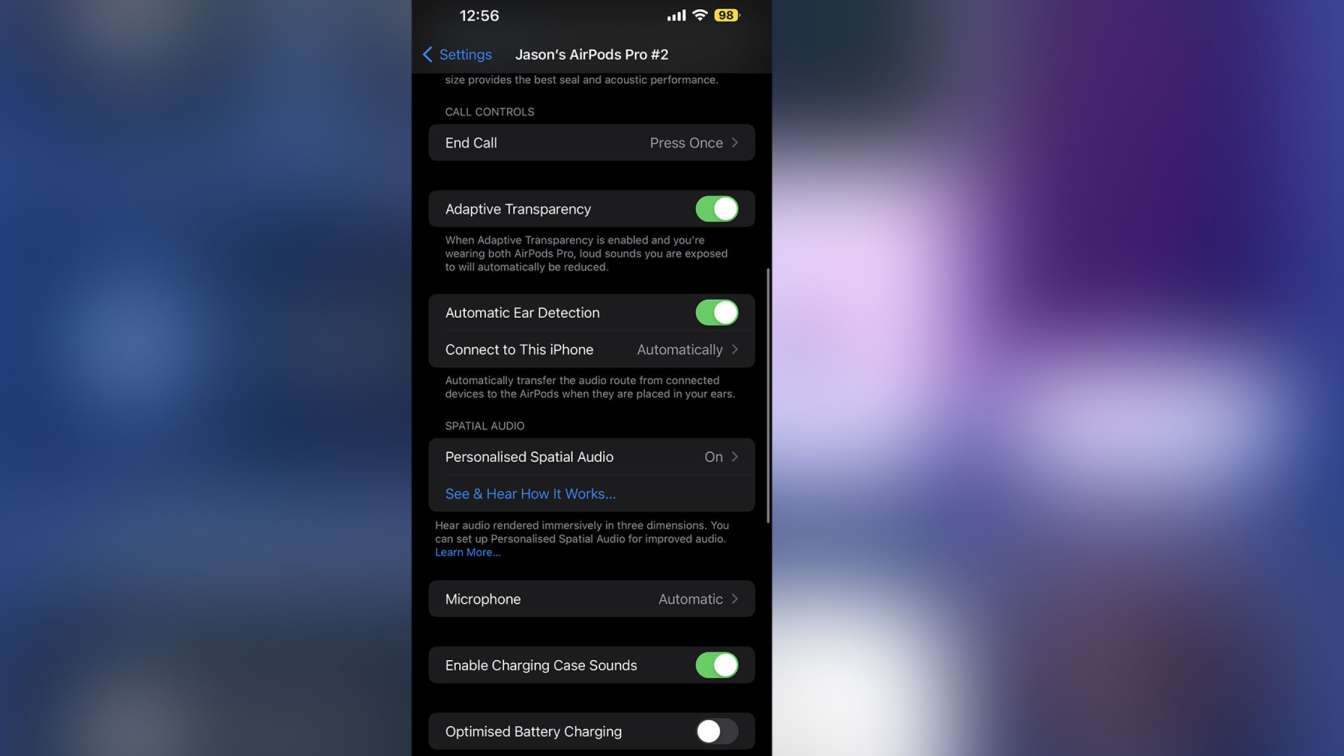
Phone overload kills Bluetooth. 20+ paired devices? Chaos. Background apps like fitness trackers steal bandwidth.
- Storage full? Lags everything. Free 10GB.
- VPNs encrypt, delaying packets—toggle off.
- Airplane mode 15 sec resets radio.
- Hot phone throttles Bluetooth. Cool it.
- Multi-device: Unpair watch during phone use.
Key takeaway: Declutter for clean signals.
You May Also Like: Apple AirPods Pro 3: Everything We Expect from the Next Big
Quick Fixes for Instant Relief
- Fast hacks: Reseat buds. Manual reconnect. Clean everything. Disable ANC. Power cycle.
- Patterns: Movement? Fit. Calls? Mic issue.
Key takeaway: Quick tweaks bridge to full fixes.
Long-Term Prevention Strategies
Nightly charge. Optimized mode. Dry storage. Monthly resets. Single-device focus.
Key takeaway: Habits build reliability.
When to Get Them Fixed or Replaced?
Warranty? Use it. Diagnostics pinpoint. AirPods Keep Disconnecting And Reconnecting.
Key takeaway: Act before total failure.
FAQs
Why do AirPods disconnect when I put them in the case?
Dirty pins or low case battery. Clean and charge fully.
Do AirPods reconnect issues fix themselves?
Rarely—act with resets.
Why during calls only?
Mic stress—update and close range.
What causes AirPods to disconnect during workouts, and how do I fix it?
Sweat, loose fit, or motion messing with sensors. How to fix: Swap to smaller tips for snug hold, wipe dry after, disable auto-pause in settings. Works every time on my runs.
What makes AirPods reconnect in cars, and how to stop it?
Car Bluetooth or FM transmitters interfere. How: Turn off car Bluetooth, keep phone visible (not pocketed), use wired aux as backup. Cleared my commute issues.
What triggers random disconnects at night, and how to prevent?
Weak Wi-Fi overlap or low battery overnight. How: Charge case fully before bed, move router channel, reset weekly. Sleep easy now.