
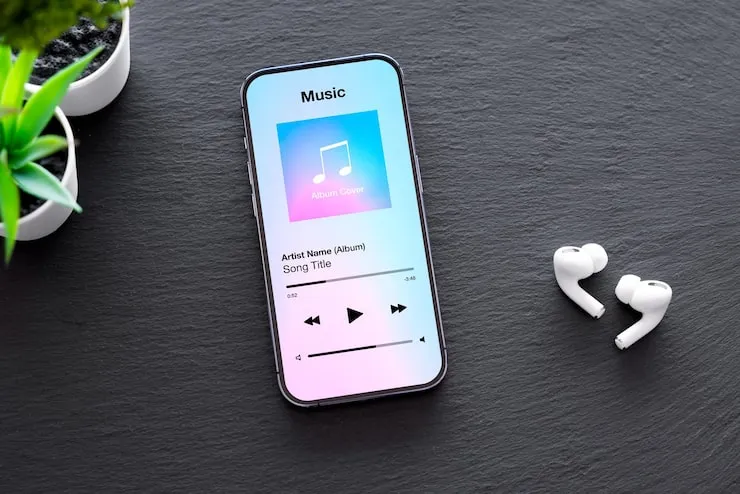
AirPods not connecting? Yeah, that moment when you pop open the case and... nothing. No sound, no popup, just silence staring back at you. I've been there, fumbling during a busy morning commute or mid-workout, wondering if they're busted for good. Trust me, it's rarely the end of the world. Most folks fix this at home with a few straightforward checks. These earbuds are tough little things, but like any wireless gadget, they hit snags from batteries, signals, or simple oversights. Stick with me—I'll share what works based on years of trial and error, why are my airpods not connecting.
Start Simple: Battery and Basics

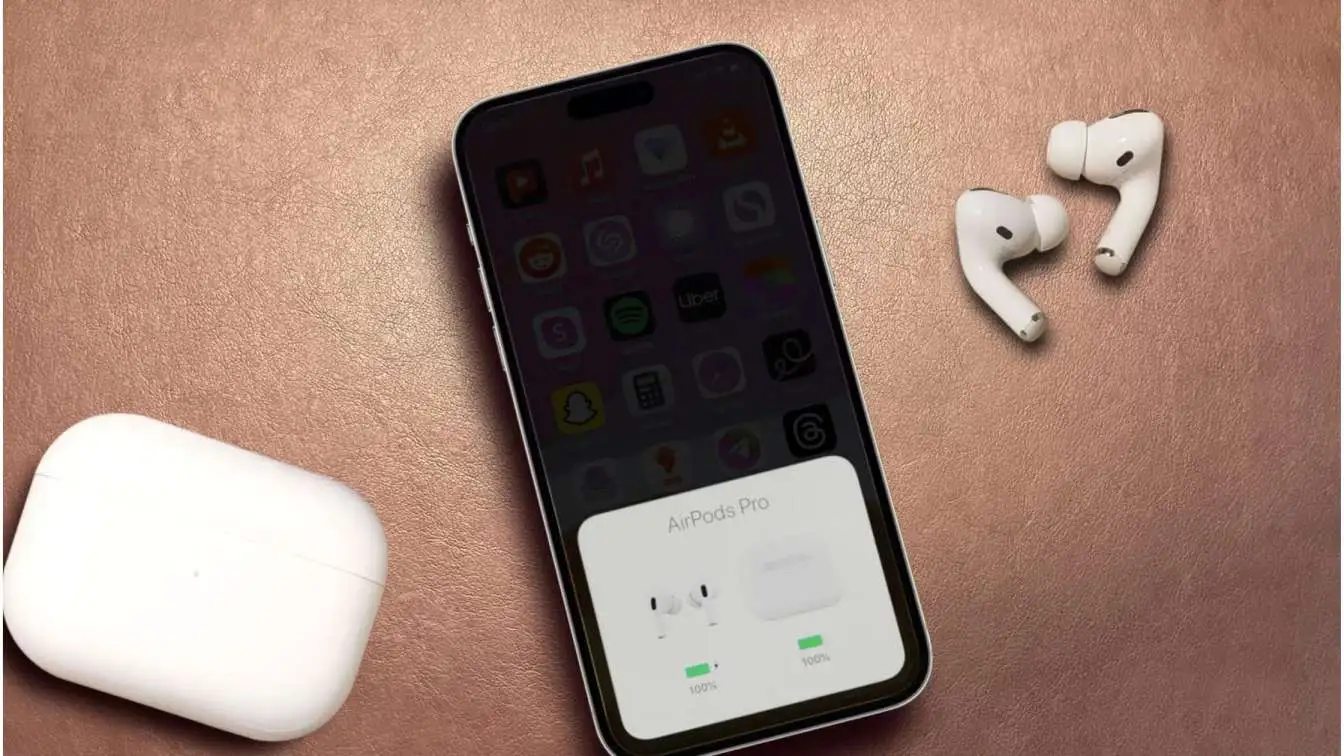
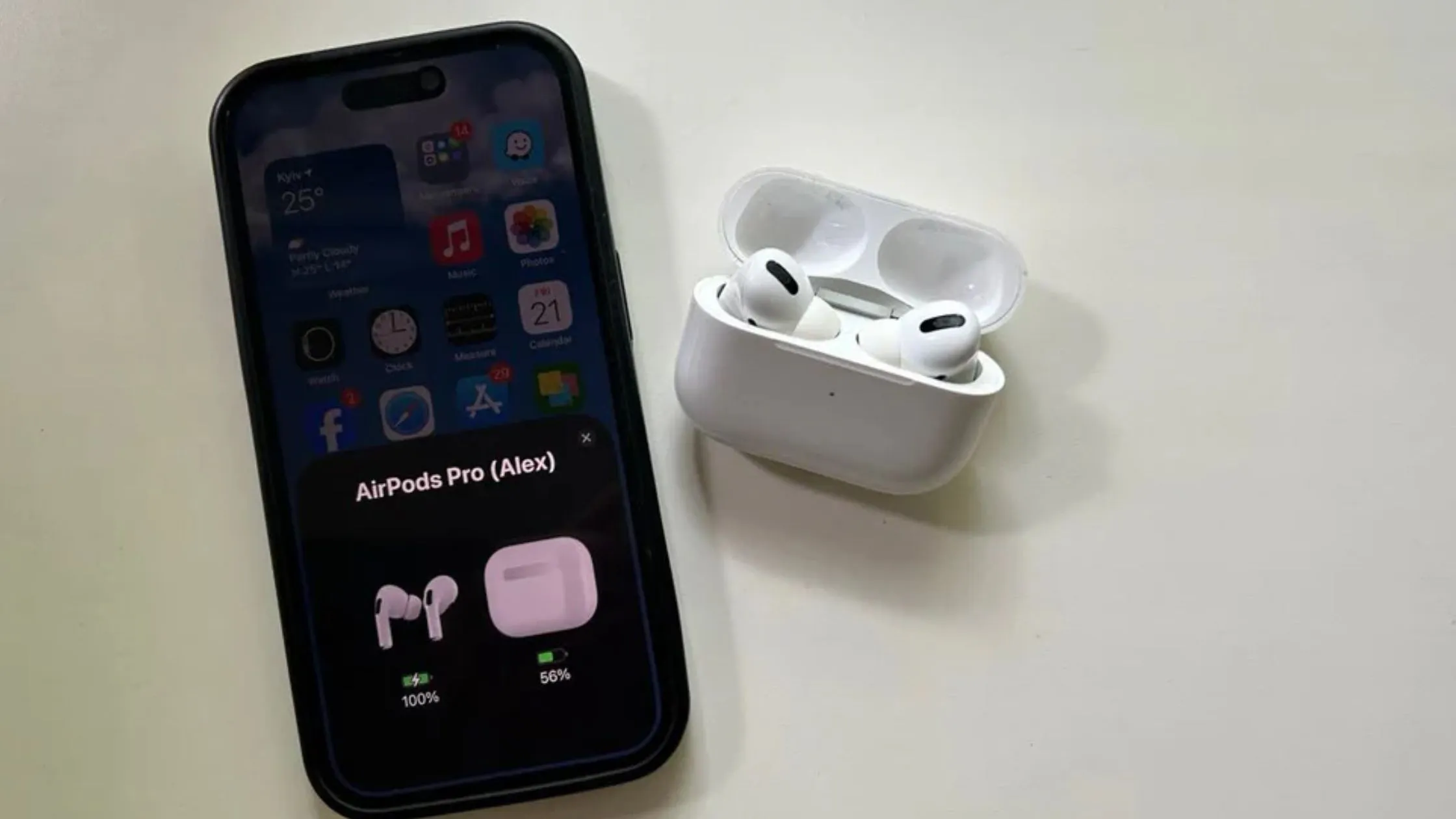
Overlook the obvious, and you're chasing ghosts. First, grab your phone or tablet's full settings app. Swipe past the control center—those toggles lie half the time—and make sure Bluetooth shows as "on." Open the AirPods case an inch from your device. See that quick battery popup with the green or yellow animation? Perfect. Nothing happens? Slide both buds into the case, snap the lid shut tight for a solid 30 seconds, then reopen it nearby.
Battery drain sneaks up fast. If they're under 10%, they get moody, flickering in and out or vanishing from the Bluetooth list. Plug the case into a charger for at least 15 minutes—I've wasted hours before realizing mine died overnight in a drawer. Distance matters too. Bluetooth only punches about 30 feet clean; walls, couches, or even a thick jacket pocket kill it. Scoot everything close, clear the path. In my cluttered home office, shifting a backpack once saved the day. These basics sort out more problems than any reset.
Read: How to Update AirPods Firmware Step-by-Step Guide
Bluetooth Blues and Interference
Bluetooth acts up after software updates or in gadget-heavy rooms. Your AirPods might list out but flash "connection failed" or just sit there grayed out. Head to settings, tap Bluetooth off, pause for a slow 10-count to let it fully reset, then switch it back. Still stubborn? With the case open, find that tiny button on the back—press and hold 15 seconds until the status light strobes white. That's the reset dance; it erases old pairing junk.
Crowded airwaves make it worse. Watches, speakers, keyboards, even a humming microwave—they all scramble the 2.4GHz band Bluetooth rides. Turn off nearby Bluetooth devices one by one. I once battled this at a coffee shop packed with laptops; stepping outside to a quiet bench fixed it in seconds. Wi-Fi routers nearby do the same trick—give space or toggle your phone's Wi-Fi off briefly. Don't mash buttons wildly; methodical steps win here.
Stuck on Another Device
Here's a sneaky one: AirPods "remember" up to six gadgets and auto-switch if another's in range. Your phone acts blind because they've quietly paired to a tablet down the hall or a forgotten laptop. Open Bluetooth settings on every device they've ever touched—scroll, spot them, tap the info icon, and hit "forget this device" or disconnect. Wipe them from everywhere.
Now reset to that white flash, hold the open case next to your main phone only. It should chime and prompt to pair fresh, like day one. Once connected, flip other devices' Bluetooth back on slowly. My old tablet yanked mine during a family movie night—quick forgets across two phones and it stopped the ping-pong. This stops the silent hijacks that fool you into thinking they're broken. No more guessing games.
When Only One AirPod Plays
Left bud mute while the right blasts tunes? Or vice versa? Charging contacts are usually the villain—lint and pocket fuzz clog those gold spots quick. Snag a dry microfiber cloth; wipe the stems' bottom nubs and the case's matching slots gently. A soft-bristled toothbrush scoops deeper lint without scratching—no liquids, ever, or moisture seeps in and corrodes.
Pop both buds in, lid down for a full minute to force a sync. Reset with the 15-second button hold, reconnect, and check the battery popup—both levels should appear. If one's stuck at zero, swap its case position; they sometimes seat crooked. Sweat from a jog gummed up my right one last summer—a five-minute scrub revived it. Long-term silence means battery wear, but these tricks buy time. Don't toss 'em yet.
Software Glitches on Your Device

Your phone or tablet might be the real troublemaker. Do a full restart: hold power and volume down till the screen blacks out, wait 30 seconds, then power up fresh. This clears hidden Bluetooth caches. Peek for system updates too—patches often squash pairing bugs that pop post-upgrade.
Audio routing trips people up. AirPods connect fine, but sound stays on speakers. In music apps or during calls, tap the AirPlay or output icon and manually pick your AirPods. Volume's another fake-out—crank your device slider and double-tap a bud stem for the on-screen gauge. Mine seemed dead after a reset until I noticed it was muted low. Silly, but it happens. These device-side tweaks bridge gaps without touching the earbuds. Quick ways to know why are my airpods not connecting.
Hands-On Checks for Hardware
Dirt and drops wear things down. Case lids stick from dents or grime, blocking charge. Inspect stems for bends, cracks, or clogged speaker mesh—water splashes erode slow but sure. Clean monthly: cloth on outsides, brush for crevices. Never loose in bags with keys or coins; the case is their safe house.
Heat from cars or direct sun cooks batteries over time. If cleans and resets flop, internals might be fried from a hard fall. I've nursed a pair through two years by storing cool and wiping after sweaty days. Early peeks spot issues before they snowball. Better than surprise failure mid-call.
Read Also: Apple AirPods Pro Noise Cancellation vs AirPods Max
Quick Fixes at a Glance
Rushed? Hit these first:
-
Charge case plugged in 15 minutes, buds seated, lid snapped shut.
-
Full Bluetooth toggle off/on in settings, then case reset to white light flash.
Nails everyday panics fast without fuss.
Stop Future Headaches
Build habits: top off the case weekly, even if not empty—full drains stress lithium cells. Live in the case, away from radiators or windowsills. Wipe post-gym or travel. Switch devices less wildly; manually select when needed. Regular phone restarts and updates keep firmware happy.
My current pair's gone glitch-free for months this way. Simple routine beats constant rescues. Yours can too—no rocket science.
FAQs
Why no battery popup when I open the case?
Bluetooth's off or buds are drained. Toggle it on, charge 30 minutes, hold case an inch from device.
Why do they keep dropping mid-song or call?
Weak signal or interference. Stay under 30 feet, turn off nearby Bluetooth gadgets.
Resets aren't working—what next?
Forget AirPods on all devices, deep clean contacts, check for phone updates.
What's the orange flashing light mean?
Case battery low or firmware hiccup. Charge fully, update via connected phone
Can I use them while the case charges?
Yep, pop lid open—buds pull power straight from the case. No interruptions.