
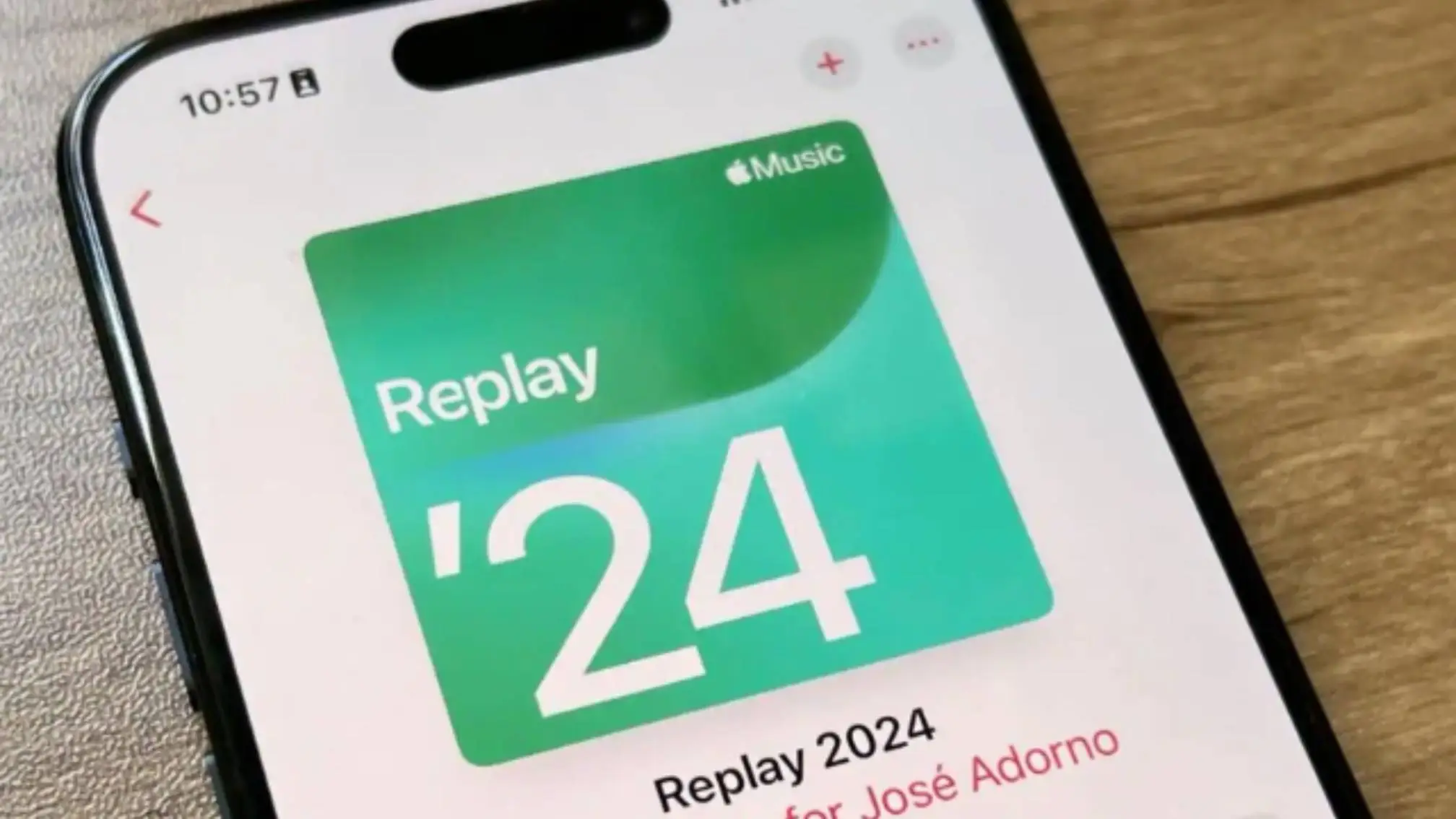
You open Apple Music Replay. You wait. But the list does not change. The same old songs from three months ago are still there. You feel confused. This is a very common problem. Many Indian iPhone users face this. You are not alone.
In this article, I will tell you exactly why Apple Music Replay stops updating. More important, I will give you clear steps to fix it. You will also learn how to see your Apple Music Replay Not Updating all time update. No technical words. No fancy English. Just plain talk that works.
Let us start.
What Exactly Is Apple Music Replay?
Before we fix the problem, let us understand what this thing is.
Apple Music Replay is a special playlist that Apple makes for you. It shows the songs you listened to the most during the year. It also shows your all time favourite songs.
But here is the catch. This playlist does not change immediately. Unlike Spotify Wrapped, Apple Replay keeps updating throughout the year. But only if Apple gets your listening data properly.
If you see that your Replay is stuck, it means Apple stopped getting your fresh listening data.
Read Also: Why Apple Music Not Showing Offline Songs
Why Does Apple Music Replay Stop Updating?
There is no single reason. In most cases, one of these things is the real culprit.
1. You Turned Off Listening History
This is the number one reason. Apple gives you a setting called "Use Listening History". If you turn this off, Apple stops tracking what you play. Then Replay has nothing new to show.
Many Indian users turn this off by mistake. They think it saves battery or data. But it does not. It only breaks your Replay.
2. You Listen to Downloaded Songs in Offline Mode
When you are in offline mode, Apple does not always count those plays. If you listen to music on the Delhi metro without internet, those songs may never reach Apple's server. Your Replay stays old.
3. You Use Multiple Apple IDs
This is very common in India. One ID for App Store. Another ID for Apple Music. When this happens, Apple Music gets confused. It sends listening data to the wrong ID. Your Replay on the main ID never updates.
4. You Recently Switched from Android to iPhone
If you moved from an Android phone to an iPhone last month, your old listening history does not come with you. Apple Replay starts fresh. But it takes time. For the first two weeks, it may show nothing or very old data.
5. Apple Server Delay
This is not your fault. Apple updates Replay data only once every 24 to 48 hours. Sometimes on Monday, you listen to ten new songs. But Replay shows them only on Wednesday. You have to wait.
How to Fix Apple Music Replay Not Updating?
Do not worry. You do not need to be a technical person. Just follow these steps one by one.
Step 1 – Turn On Listening History
- Open your iPhone settings.
- Scroll down to Music.
- Tap on Music.
- Look for "Use Listening History".
- Make sure the switch is green (on).
If it was off, turn it on now. Then listen to two or three full songs. Wait 24 hours. Check your Replay again.
Step 2 – Stop Using Offline Mode for One Day
For one full day, play songs only when you have internet. Do not play from downloaded songs. Play directly from Apple Music search or your library with wifi or mobile data on.
This forces Apple to record every single play.
Step 3 – Check Your Apple ID
Go to Settings. Tap your name at the top. See the email address under your name. Is this the same email you use for Apple Music?
If not, you have two different IDs. To fix this, you must sign out of Apple Music and sign in again using the correct ID. This is a little long but it works.
Step 4 – Clear Apple Music Cache
- Open Settings.
- Go to General.
- Tap iPhone Storage.
- Find Music.
- Tap on Music.
- Tap Offload App.
Do not delete the app. Only offload. This clears old data without removing your songs. Then reinstall the app from App Store.
Step 5 – Wait for the Next Tuesday Update
This is a secret that many blogs do not tell you. Apple refreshes Replay data every Tuesday. If you fix everything on a Friday, you may see no change until Tuesday morning. So do not panic. Give it time.
How to See Your Apple Music Replay All Time Update?
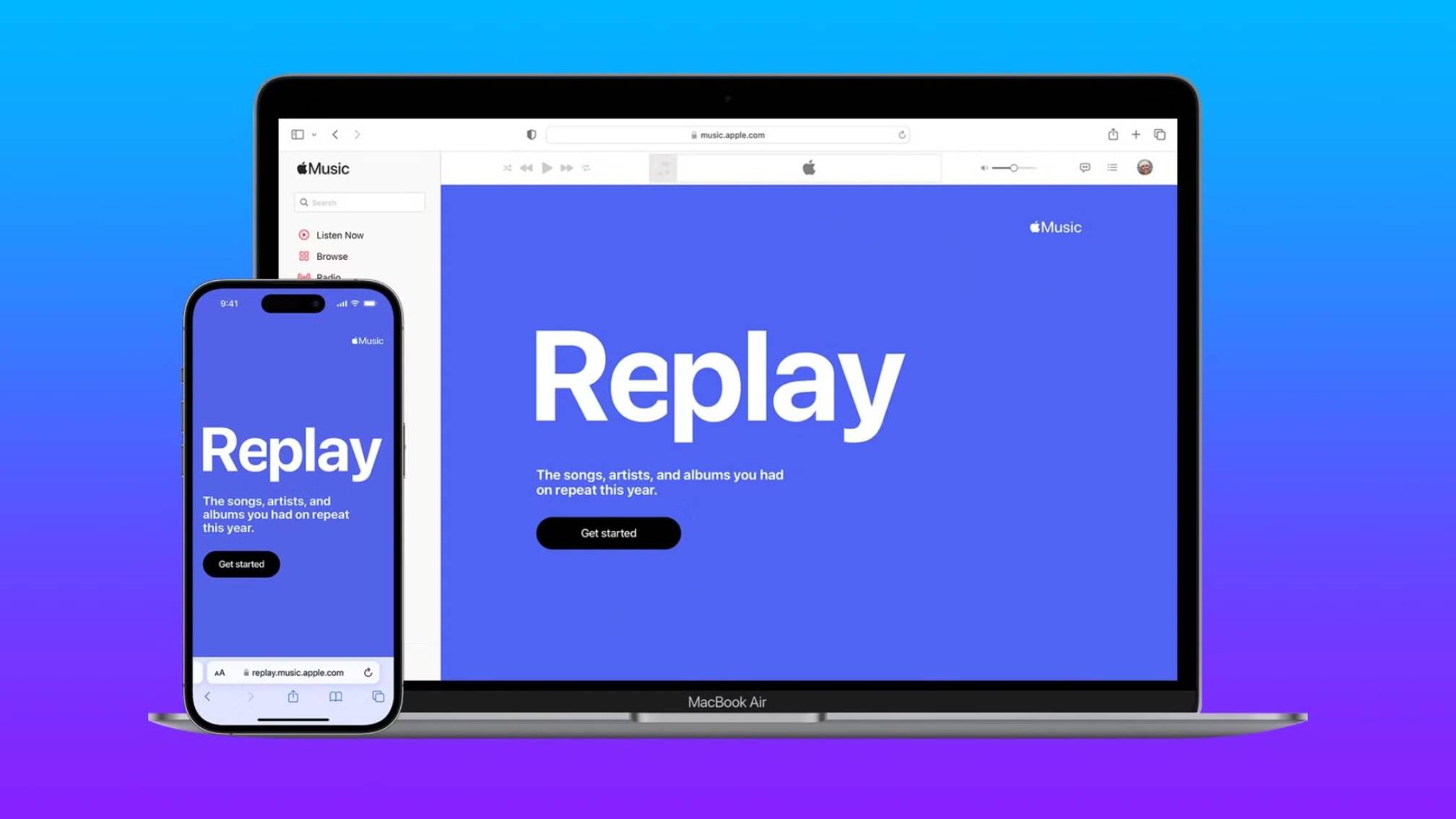
Many people ask this question. They want to see not just this year's list, but their lifetime favourite songs. Does Apple show that?
Yes. But not directly inside the app.
Here is the simple way.
Open your web browser. Go to replay dot music dot apple dot com. Sign in with your Apple ID. Once you log in, you will see a section called "All Time Replay". This is your Apple Music Replay all time update.
It shows every song you ever loved on Apple Music. From the first day you joined. This list updates slowly, but it is the most accurate one.
Bookmark this page. Check it once every week. That is the best way to track your real listening habits.
Common Myths About Apple Replay
Let me clear some wrong ideas that float around Indian WhatsApp groups and YouTube comments.
Myth 1 – Replay Updates Every Hour
No. Apple clearly states that Replay updates only once in 24 to 48 hours. Sometimes longer. Do not check every hour. You will only feel frustrated.
Myth 2 – Deleting a Song Removes It from Replay
No. If you listened to a song 100 times last year and then delete it today, that song stays in your Replay. Deleting does not erase history. It only removes the file from your phone.
Myth 3 – Replay Works on Mac and PC Exactly Like iPhone
Not true. The Replay website shows more data. The iPhone app shows less. For the full picture, always use the website replay dot music dot apple dot com.
You May Also Like: Apple Music for Android High-Resolution Audio
What If Nothing Works? One Last Fix?
You tried all five steps. You waited two weeks. Still no update.
Then do this one final thing.
Call Apple support. But not the general number. Ask specifically for Apple Music team. Tell them clearly: "My Apple Music Replay not updating for more than 14 days."
They can see your listening data from their side. If they confirm that your data is reaching them but Replay is not showing, then it is a server side bug. Only Apple can fix that.
In most cases, they reset something on their end, and within three days your Replay starts moving again.
Frequently Asked Questions
Q – Does Apple Music Replay show songs from other apps like YouTube?
No. Only songs played inside Apple Music app count.
Q – I listen while driving. Does that count?
Yes. As long as you are online and listening history is on.
Q – Will Replay show my old songs from 2018?
Yes. The all time update section on the website will show them.
Q – My friend’s Replay updated but mine did not. Why?
It means your friend did not turn off listening history. You probably did. Go back to step one.
Q – Is there a paid version of Replay?
No. It is completely free for all Apple Music users.
Conclusion
Apple Music Replay is a nice way to remember your favourite songs. But when it stops updating, it feels broken. Most of the time, the problem is very small. You turned off listening history. Or you used two different IDs. Or you simply did not wait enough. Now you know exactly what to do. Go check your listening history setting first. Then play a few songs online. Then wait one full day. Most likely, your Replay will start working again. And if you want to see your all time favourites, do not depend on the iPhone app. Use the replay website. That is the real source of truth. Your music memory is important. Do not let a small setting hide it from you.